Girls Golden Hour DP Prompt
GirlsDPChatGPT & GeminiGolden HourDPOutdoor
Full Prompt — Copy This
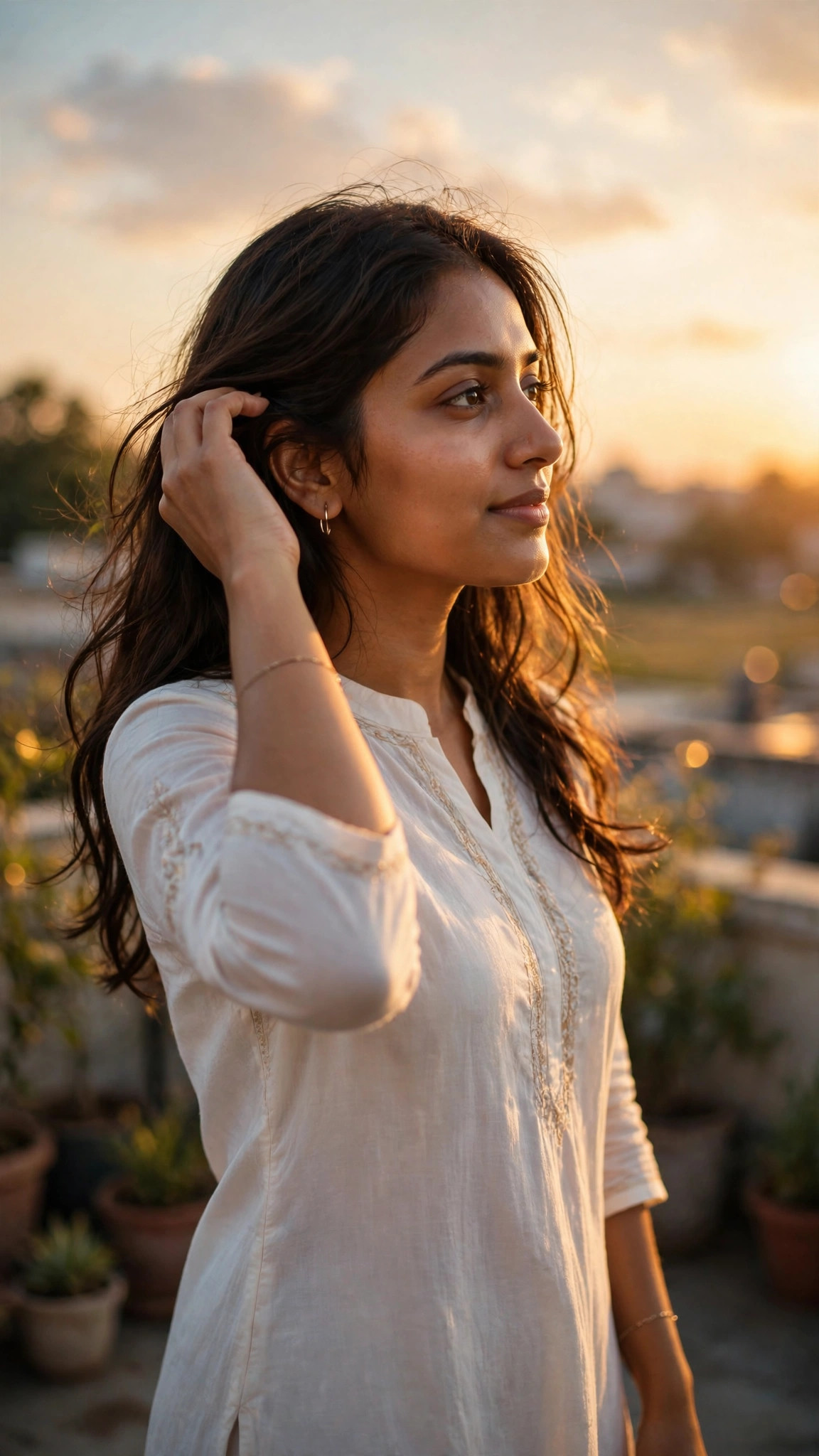
Identity: Preserve the uploaded photo's face exactly — facial structure, eyes, nose, lips, skin tone and expression. Do not beautify, reshape, blend or change the face in any way.

Pose / Anatomy: Physically correct, natural posture, correct hands, fingers, legs and feet. No fused limbs, no twisted joints, no floating bodies and no extra fingers. Stand outdoors in soft evening light, face turned slightly toward the sun, one hand brushing hair back gently, the other relaxed, feet naturally placed.

Outfit / Accessories: A soft white summer dress or a pastel kurti with simple earrings and a thin bracelet, in warm golden tones.

Environment / Lighting: An open field or rooftop at golden hour with warm sunlight, soft sky colours and a gently blurred background.

Camera / Composition: Vertical 9:16 frame, half-body or full-body shot at eye level, sharp focus on the face, warm golden light on the skin.

Negative prompt: Wrong posture, distorted face, extra fingers, fused limbs, twisted joints, floating bodies, plastic skin, watermark, text on the image, cartoon look where not wanted, cropped feet where a full body is needed.

Priority: Correct anatomy and face identity first, then interaction, then cinematic finish.
What This Prompt Creates
A warm, glowing golden-hour DP of you in soft evening sunlight. It keeps your face as in your uploaded photo, and changes only the outfit, scene and finish described above.
How to Use
- Copy the prompt above.
- Open ChatGPT or Gemini in a new chat.
- Upload a clear, front-facing photo with good light.
- Paste the prompt and send it.
- Regenerate once or twice if needed, and change only one thing at a time.
Hinglish Summary
Golden hour DP ke liye ye prompt best hai. Warm sunlight, soft glow aur natural look milegi.
Tips for a Better Result
- Use a clear photo — front-facing, in good light, no sunglasses.
- A plain or blurred background in your photo works best.
- Leave headroom above your head for the vertical crop.
- Add “no text, no watermark” if the result shows text or a watermark.
- Change colour, background, or pose one at a time — not all three together.
Best For
DPInstagram post
3 Variations
- Change colour: Change the dress to soft peach.
- Change background: Move the scene to a beach at sunset.
- Change pose: Change the pose to looking over one shoulder at the camera.
Related Prompts
Girls · Diwali
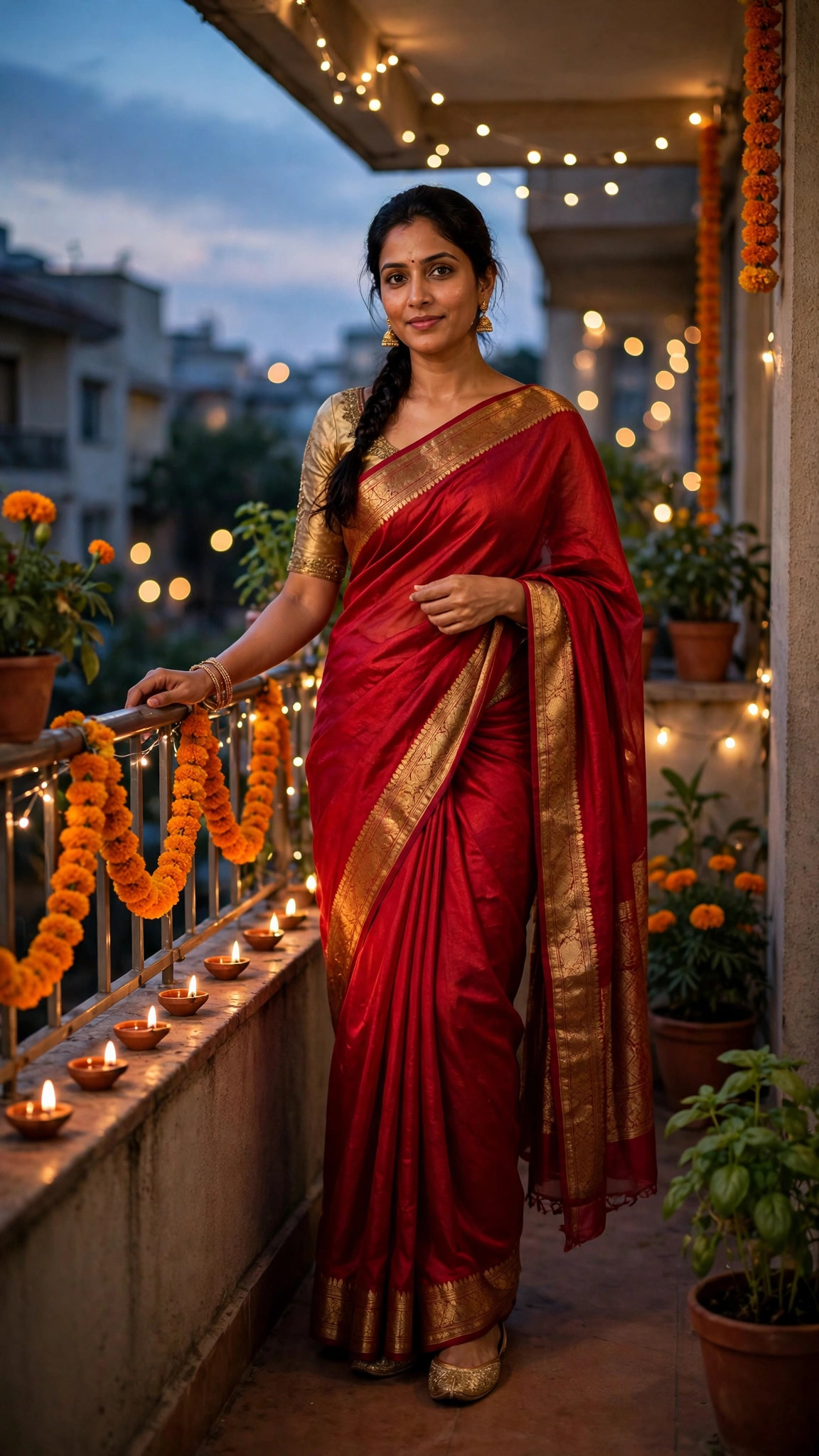
Girls Red Saree Diwali Balcony Prompt
A stunning Diwali portrait of you in a red silk saree on a decorated balcony in warm evening light.
DiwaliSareeFestive
View prompt →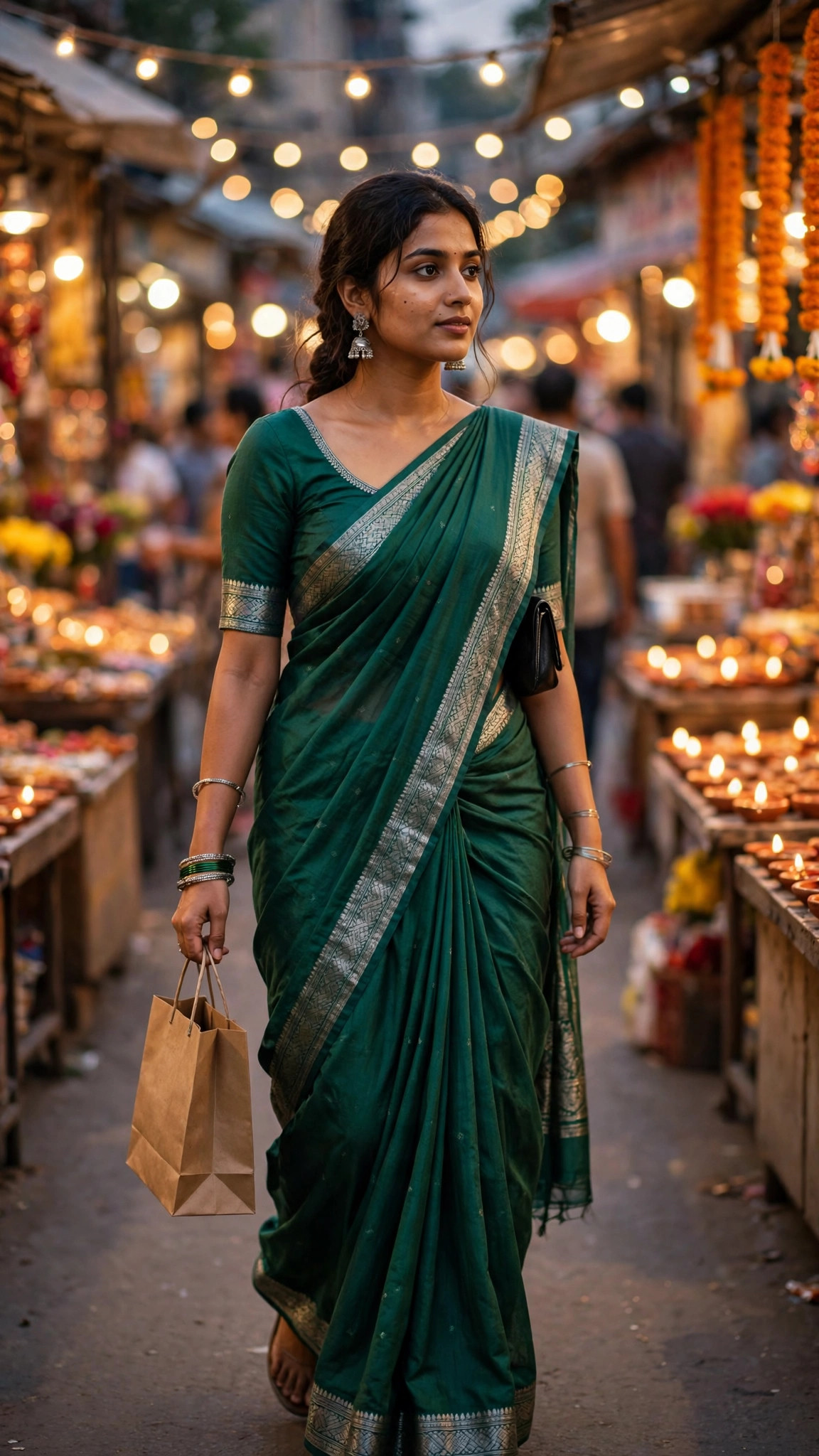
Girls · Diwali
Girls Green Saree Diwali Market Prompt
A lively Diwali shopping photo of you in a green saree walking through a festive market.
DiwaliSareeMarket
View prompt →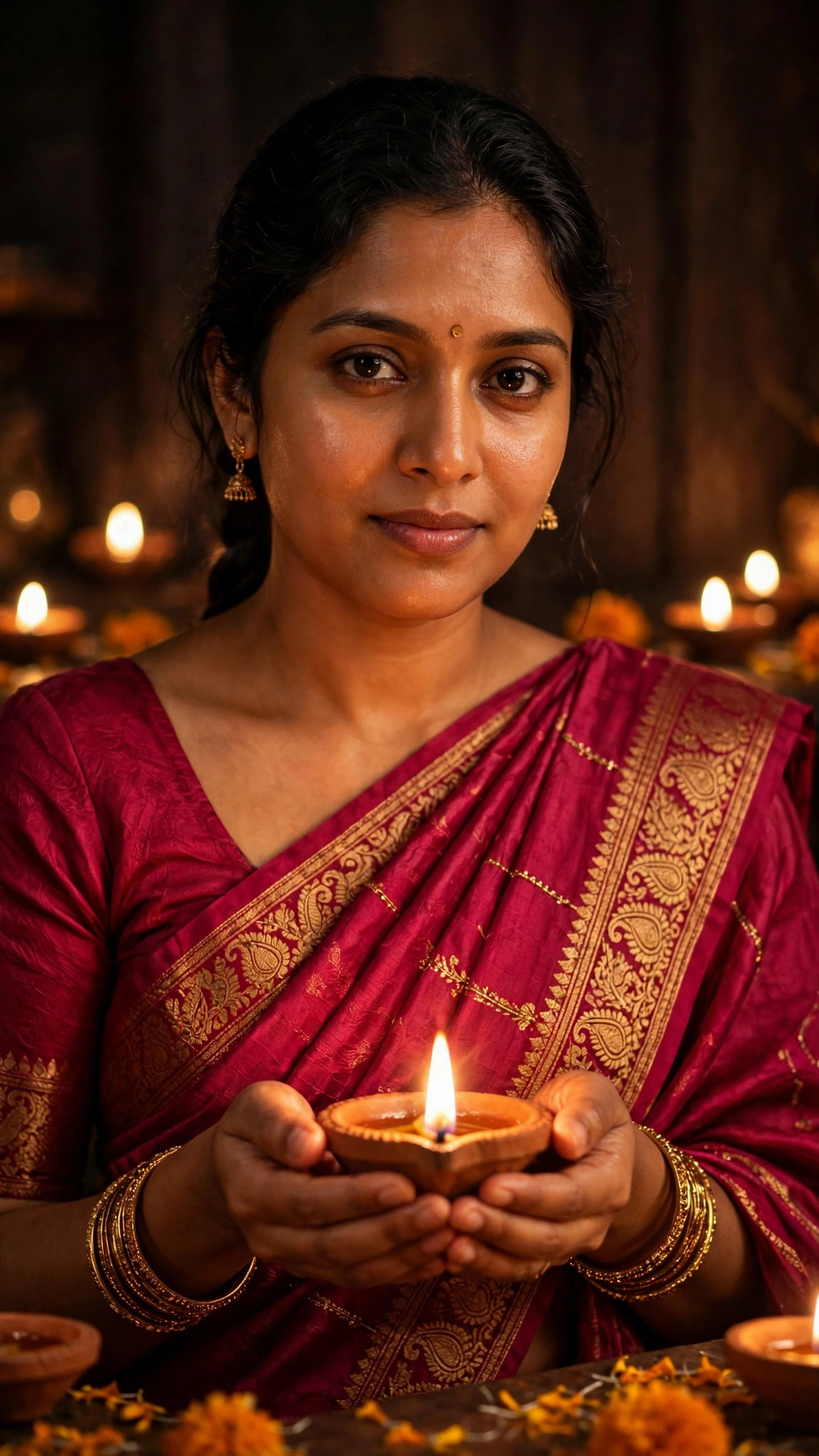
Girls · Diwali
Girls Diwali Diya Hands Prompt
A warm, glowing Diwali photo of you holding a lit diya in both hands.
DiwaliDiyaClose-up
View prompt →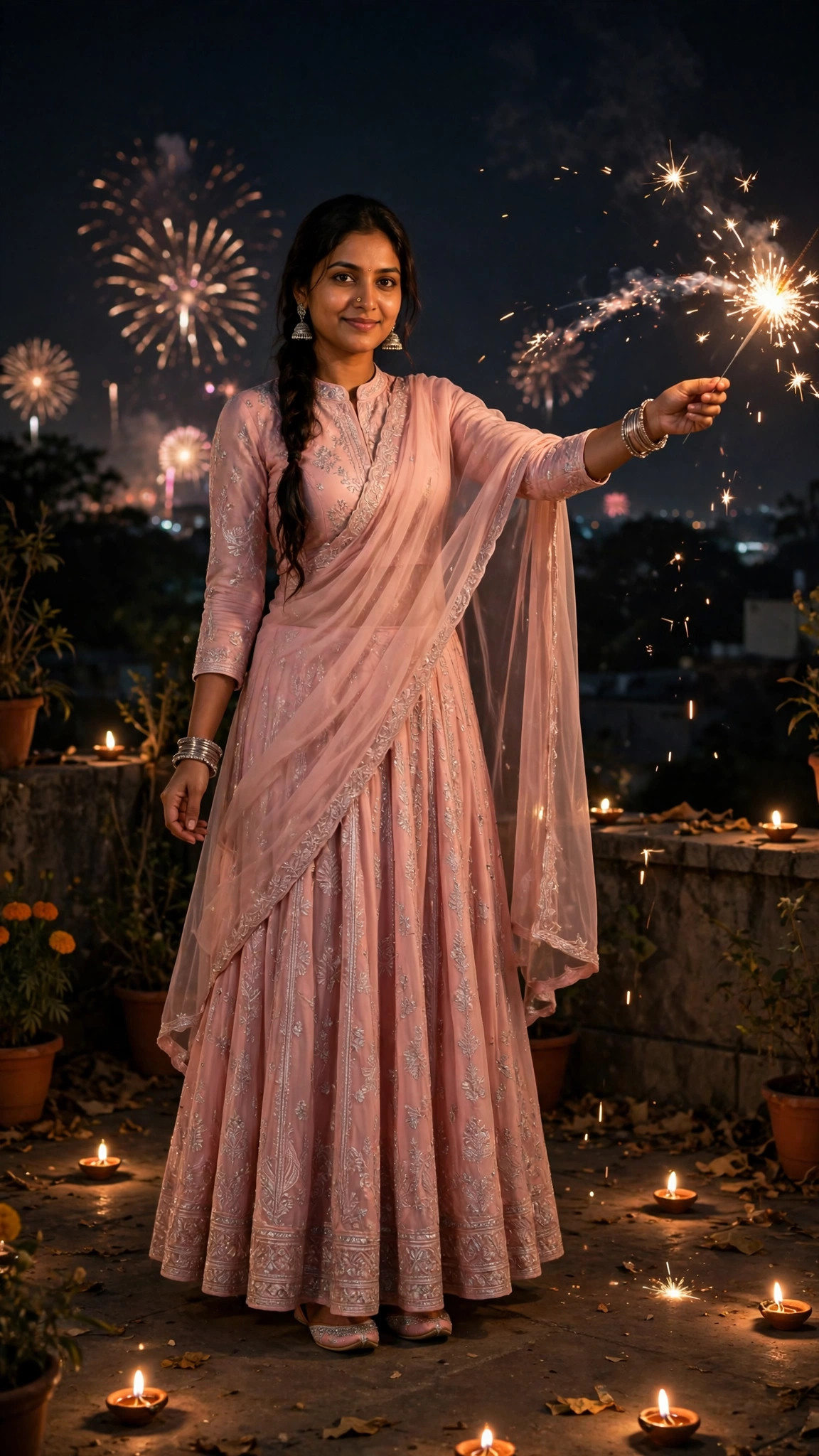
Girls · Diwali
Girls Pink Lehenga Sparkler Prompt
A magical Diwali night photo of you in a pink lehenga holding a sparkler under a dark sky.
DiwaliLehengaSparkler
View prompt →Published: 28 October 2026 · Updated: 28 October 2026